
How to Build an Email List from Scratch in 2026 (Free, Step by Step)
By Oscar · 17 min read
Disclosure: some links to Systeme.io on this page are affiliate links. If you sign up through them, AffiliateCrownd may earn a commission at no extra cost to you. Systeme.io limits come from its official pricing page (updated April 2026). Email rules come from the FTC and Google’s help pages, checked in November 2026. This is not legal advice.
Most beginners think they need traffic first and an email list later. It works better the other way round. A list is the one audience you own: no algorithm decides whether your message is shown, and you do not have to pay again to reach the same person twice. This guide shows how to build an email list from scratch, for free, with one page, one email and one clear promise.
Quick answer: how do you build an email list from scratch?
Pick one audience, offer one small freebie (a lead magnet), build one opt-in page, send one welcome email, then share the page where your audience already is. You can do all of it on Systeme.io’s free plan, which lists 2,000 contacts, 3 funnels, unlimited email sends, 1 automation rule and 1 email campaign, with no expiry and no card required.
In this guide
- Why a list beats followers
- Your first-week plan
- Choose a lead magnet
- Build the four-part setup
- Find your first subscribers
- Email rules in plain words
- What to put in your emails
- Common mistakes
- Honest verdict
- FAQ
Why an email list beats followers
Social accounts are rented land. A platform can change how many followers see your posts, limit your reach or close your account. An email list is different: you hold the addresses of people who asked to hear from you. That makes it the safest place to build a small business, whether you sell your own product, recommend tools as an affiliate or simply want a way to bring readers back to your website.
I will not promise you a conversion rate, because I have not seen one that holds for every niche, and anyone quoting a precise figure without a source is guessing. What I can say is simpler: a small list of people who chose to join is more useful than a large audience that never hears from you. If you are still deciding what business to build, start with what affiliate marketing actually is, then come back here.
Your first-week plan
The biggest beginner trap is trying to build everything at once. Here is a week that fits around a job or family, with one small task a day.
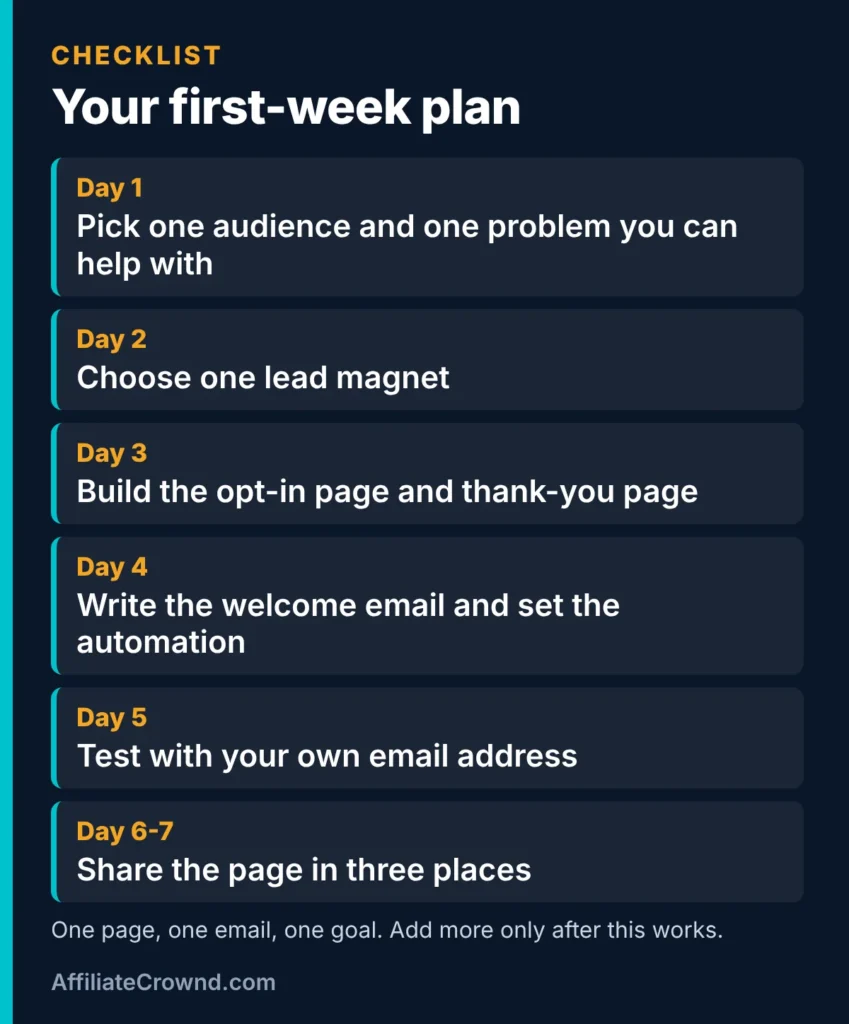
| Day | Task | Output |
|---|---|---|
| 1 | Pick one audience and one problem you can help with | One sentence |
| 2 | Choose one lead magnet | A title and outline |
| 3 | Build the opt-in page and thank-you page | A live funnel |
| 4 | Write the welcome email and set the automation | One email, one rule |
| 5 | Test everything with your own address | A checked flow |
| 6-7 | Share the page in three places | Your first visitors |
Day one deserves more attention than it gets. Write one sentence: “I help [who] to [do what].” If you cannot finish that sentence, a nicer opt-in page will not rescue you, because visitors cannot tell what they would be signing up for.
Choose a lead magnet people actually want
A lead magnet is a small, useful thing you give away in exchange for an email address. It does not need to be long. It needs to solve one specific problem quickly, so the reader thinks “that helped” within ten minutes of receiving it.
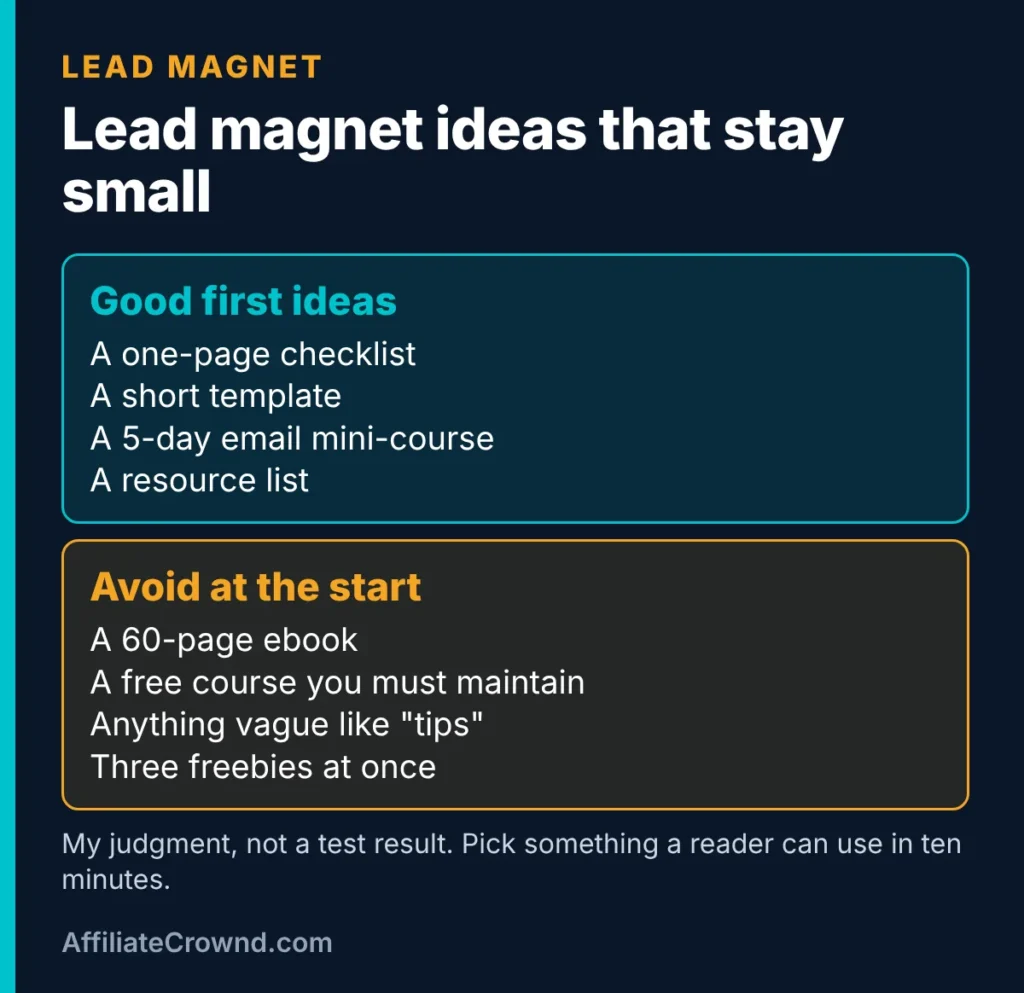
Good first lead magnets
- A one-page checklist. For example, “Before you buy hosting: a 10-point checklist.” Quick to make and easy to finish.
- A short template. A budget sheet, an email script or a content calendar the reader can copy.
- A five-day email mini-course. One short lesson a day. This one uses your single automation rule well, and it teaches readers who you are.
- A resource list. The tools you would use if you were starting again, with a line on why each one earns its place.
What to avoid at the start
- A 60-page ebook. It takes weeks, few people finish it, and it delays your launch.
- A vague promise. “Marketing tips” tells nobody what they will get.
- Three freebies at once. You will split your attention and your traffic.
A useful test: could you describe the freebie in one line, and would your ideal reader say “yes, I need that”? If not, narrow it. If you promote tools as an affiliate, make the freebie related to the problem the tool solves. Our guide to the best affiliate programs for beginners shows how programs and topics fit together.
Build the four-part setup on a free plan
You need four pieces. Each one is simple, and together they form a working list builder.
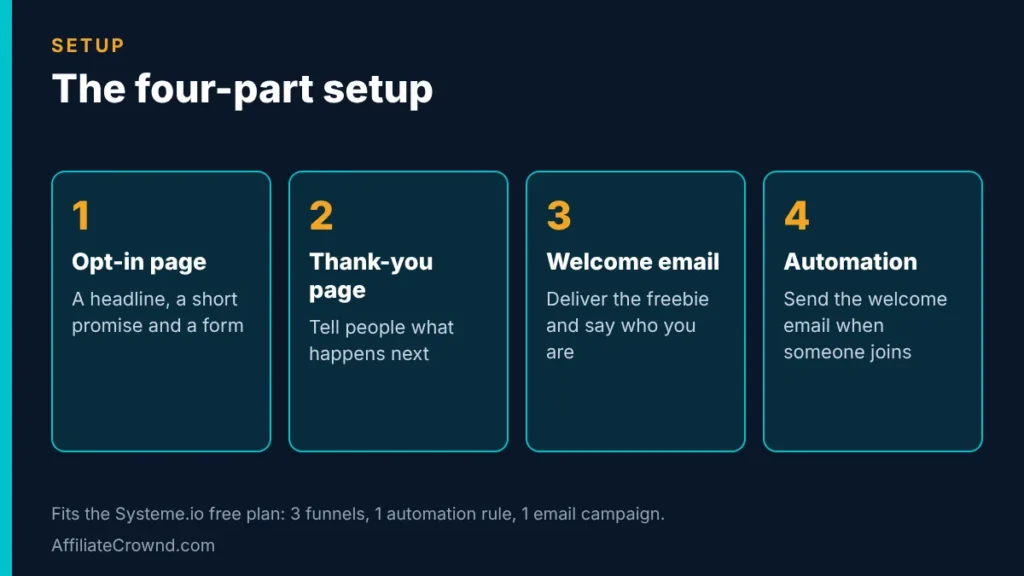
1. The opt-in page
Keep it short: a headline that names the benefit, two or three lines about the freebie, and a form with an email field. Remove anything that lets a visitor wander away, such as menus and extra links. One page, one action.
2. The thank-you page
Tell people what happens next: “Check your inbox for your checklist. If you do not see it in five minutes, look in your spam or promotions folder.” That one line saves you many lost subscribers.
3. The welcome email
Deliver the freebie right away, say who you are in two or three sentences and tell readers what to expect, such as one useful email a week. We cover what to write below.
4. The automation
An automation is an instruction like “when someone joins this list, send the welcome email.” Systeme.io’s free plan lists one automation rule, so spend it on this. Our Systeme.io free plan guide explains each limit in plain words, and Systeme.io for beginners walks through your first hour in the tool.
Start the setup on Systeme.io’s free plan →
One honest limit: I have not tested every feature in a live account, so check the current plan on the official page before you rely on any number here. If you later outgrow the free plan, see the Systeme.io pricing guide and our comparison Systeme.io vs Kajabi before you pay for anything.
Where your first subscribers can come from
A finished page with no visitors collects nothing. Start with free sources, and add one at a time so you can tell what works.
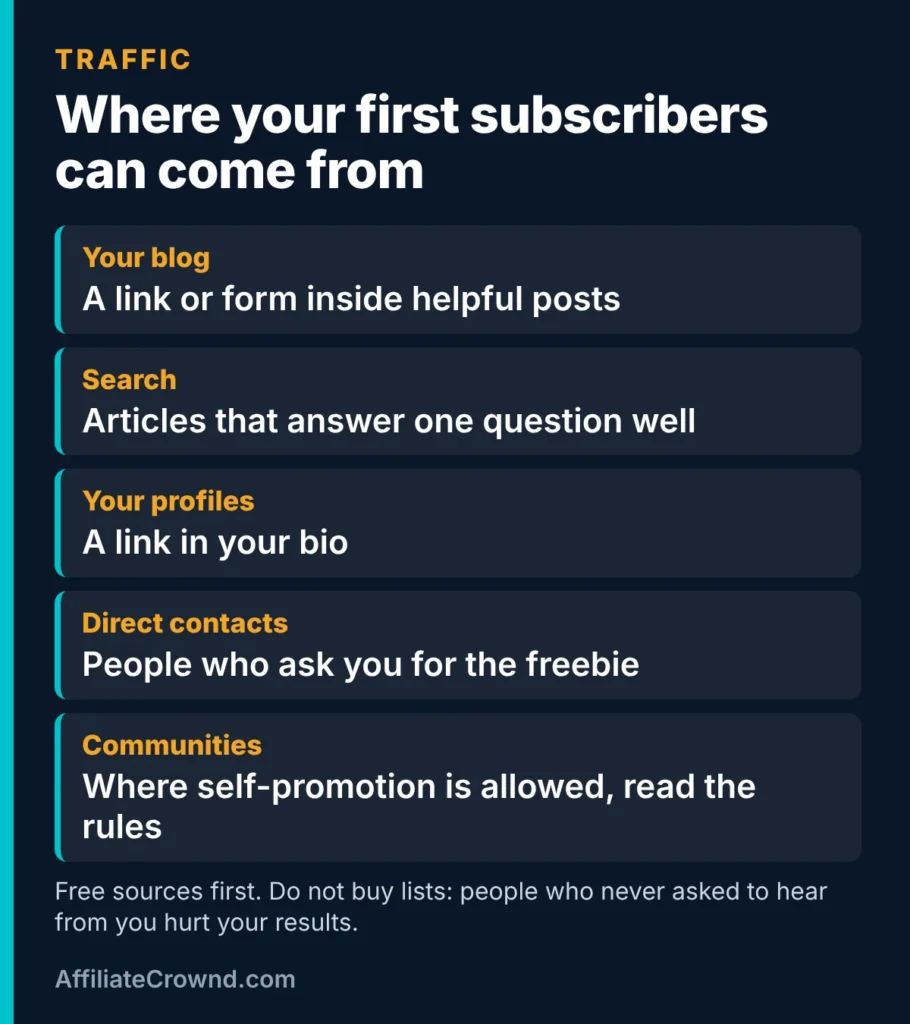
- Your own blog. Add a link or form inside helpful posts, ideally where the freebie matches the topic. If you do not have a site yet, read how to build an affiliate website on WordPress.
- Search. One article that answers one question well can send visitors for months. It is slow at first, but it is free and it compounds.
- Your profiles. Put the opt-in link in your social bio so every profile visit has somewhere to go.
- Direct contacts. When someone asks you a question you answered in your freebie, send them the link.
- Communities. Forums and groups can help, but many ban self-promotion. Read the rules first and contribute before you link.
Do not buy email lists. People on a purchased list never asked to hear from you, so they ignore or report your messages, and that harms your reputation with mailbox providers. A list of fifty people who wanted your freebie is worth more than five thousand who did not.
Be realistic about the timeline. A new list grows slowly, and the first subscribers usually come from effort you make directly, not from search. Judge your first month by whether the system works end to end, not by the size of the list. New to promoting products? Start with the Start Here page.
Email rules in plain words (not legal advice)
You do not need to be a lawyer to send email responsibly, but you do need to know the basics. I checked the FTC’s CAN-SPAM guide and Google’s sender guidelines. These are summaries, and you should read the originals before you send.
CAN-SPAM, from the FTC
The FTC’s compliance guide lists eight requirements for commercial email. In short:
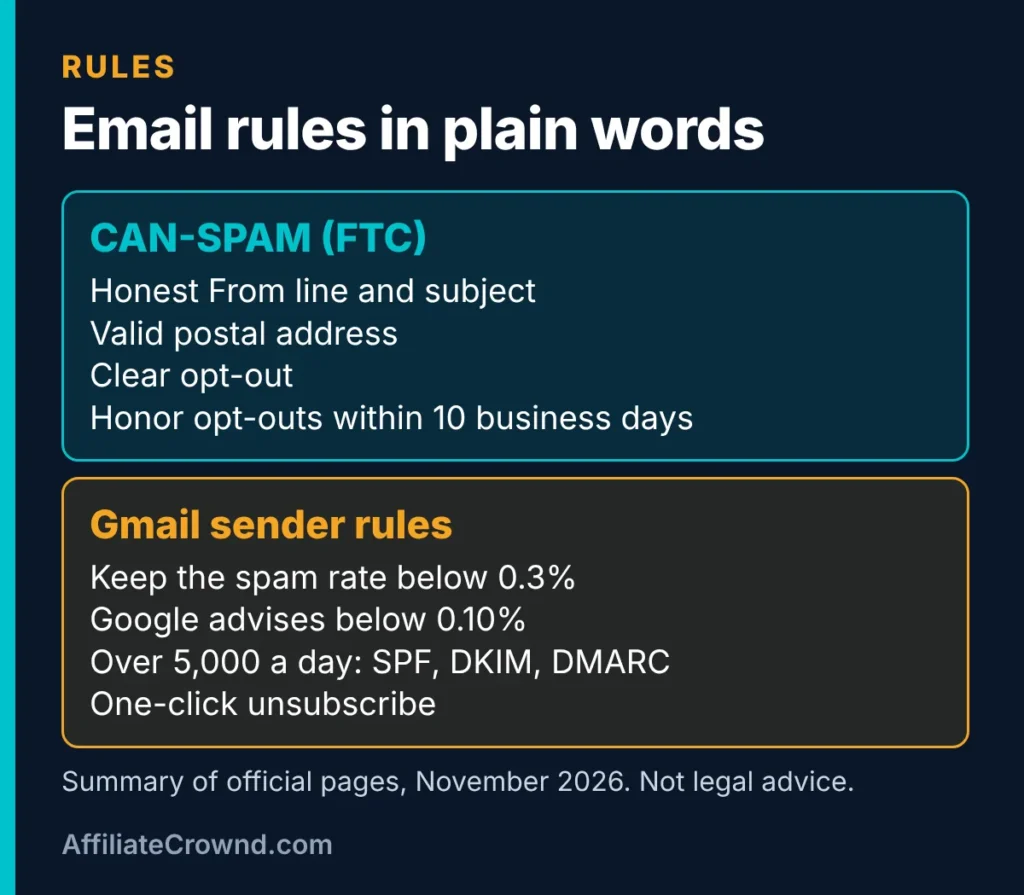
- Your From, To and Reply-To details must be accurate and identify who sent the message.
- The subject line must match the content.
- If the message is an ad, say so clearly.
- Include a valid postal address, which can be a street address, a registered PO box or a registered private mailbox.
- Explain how to stop future marketing email, with an easy way to opt out.
- Honor opt-out requests within 10 business days, with no fee and no extra personal information required.
- Do not sell or transfer the addresses of people who opted out.
- If another company sends email for you, you are still responsible for what is sent.
The FTC states that each separate email in violation can carry a penalty of up to $53,088. That figure is the reason to treat unsubscribe requests seriously, even on a tiny list.
Gmail’s sender guidelines
Google’s help page says that since February 1, 2024, every sender to Gmail accounts must set up SPF or DKIM authentication, use TLS, and keep the spam rate in Postmaster Tools below 0.3%. Google’s own advice is to aim for below 0.10%. Senders of more than 5,000 messages a day to Gmail have extra duties: SPF, DKIM and DMARC, plus one-click unsubscribe for marketing messages.
As a beginner you will not be near 5,000 messages a day, but the habits still matter. Send only to people who opted in, make unsubscribing easy and keep your messages relevant. Check your tool’s help pages for how it handles authentication and unsubscribe links, rather than assuming.
If you live or sell outside the United States, other laws can apply, such as the GDPR in Europe, and I have not covered them here. Look up the rules for the places your subscribers live.
More from the FTC guide: what counts as commercial email
We re-read the FTC’s CAN-SPAM compliance guide on November 9, 2026. The page says the law covers all commercial email, not just bulk sending, and that it applies to business-to-business email too. A commercial message is one whose primary purpose is advertising or promoting a product, service or commercial website. Because you will likely recommend tools and link to products, assume your marketing emails count.
The guide separates these from “transactional or relationship” messages, which only five narrow categories qualify for, such as completing a transaction you agreed to or notifying someone of changes to an account. It says the law reads these categories narrowly. For a mixed message, the subject line and where the commercial content sits decide the primary purpose. If a reasonable reader would see the subject as promotional, or the transactional part is not mainly at the beginning, the message is treated as commercial. In plain words: do not hide an ad inside something that looks like a receipt.
Keep your opt-out working
- Make it easy to find. The FTC says the opt-out notice should be easy for an average person to recognize, read and understand, using type size, color and placement.
- Keep it working. The opt-out method must stay functional for at least 30 days after you send the message.
- Process requests within 10 business days. You cannot charge a fee, ask for personal information beyond an email address, or require more than a reply email or one visit to a web page.
- Offer choices carefully. You may let people pick categories of email, but there must also be a way to stop all your marketing email.
- Do not let filters block requests. The page warns you to make sure your spam filter does not block opt-out requests that arrive by reply.
- Never sell or transfer the address of someone who opted out, except to a vendor helping you comply.
If someone else sends your email
Using an email tool does not remove your responsibility. The FTC says that hiring another company to handle your email does not take away your legal duties, and that both the company being advertised and the company sending can be held liable. For forward-to-a-friend offers, it says responsibility depends on the facts, and that a seller who rewards forwarding with money, coupons or entries, or pays for referrals, likely has obligations. If you ever run a referral reward, read that section of the guide first.
Google’s subscription guidelines for senders
Google also publishes a separate page, “Email subscription guidelines for senders,” which we read on November 9, 2026. It describes subscription messages as marketing emails, newsletters and some notifications that people can unsubscribe from, and it says transactional messages such as password resets and receipts are not subscription messages. Its main points:
- Confirm the address. Google describes “double consent”: recipients should confirm their email address after entering it on your website before you send subscription messages.
- One-click unsubscribe. It says to implement one-click unsubscribe on subscription messages, so recipients need no extra steps.
- Act within 48 hours. Google says to process and honor unsubscribe requests within 48 hours, which is faster than the FTC’s 10 business days.
- Separate addresses. It advises sending subscription and non-subscription messages from different email addresses.
- Identify each list. Include a human-readable identifier in the List-id header, or give each subscription list its own unique From address.
This page is separate from the bulk-sender rules above, and it is written as guidance for senders of subscription messages. Whether and how each point applies to a small sender can depend on your tool and your volume, so check which of these your email tool already handles. The page does not address how often you should send or how to re-engage inactive subscribers, so we do not claim anything on those.
What this means for your setup
- Ask your email tool whether it offers a confirmation step for new subscribers, and use it if it does. It also helps you avoid typos and fake sign-ups.
- Test your unsubscribe link yourself, and aim to honor requests sooner than the legal maximum. Your tool may do this automatically, so check how it works.
- Keep a real postal address and a plain “this is an advertisement” line in marketing emails.
- Keep your free resource delivery and your regular newsletter clearly different in purpose, so you are not mixing a promotional message into something that should be simple.
We are not lawyers, and this is not legal advice. Treat it as a checklist of questions for your tool and, if your list grows, for a professional.
What to put in your emails
The welcome email
- Subject line: plain and honest, such as “Your checklist is inside.”
- First line: deliver the freebie with a link or attachment, so nobody has to hunt for it.
- Who you are: two or three sentences on why you are the right person to help.
- What to expect: how often you will write and what you will cover.
- One question: ask a reader to reply with their biggest challenge. Replies teach you what to write next.
- Footer: your postal address and an unsubscribe link, as the rules above require.
The emails after it
With a free plan you have one automation rule, so plan a rhythm you can keep by hand: one useful email a week is plenty. Teach one thing, tell one short story, and mention a recommendation only when it truly fits. If you recommend a product you earn from, say so, in line with the FTC’s rules on clear disclosure.
A simple pattern for each email: a clear subject line, one idea, one example, one next step. Short emails that help are better than long ones that try to do everything.
After launch: what to check and what to track
Once your page is live, the work shifts from building to checking. Nothing here needs special software. It is a short routine you can repeat every week. These steps are our suggestions, not rules from any tool or law.
Test your list like a stranger would
- Sign up with an address you do not use for the account. A fresh personal address shows you what a real subscriber sees.
- Check where the welcome email lands. Look in the main inbox, the promotions tab and spam. If it lands in spam, tell your tool’s support and review your message for anything that looks misleading.
- Open it on a phone. Most readers will. Check that the link to the freebie works with one tap.
- Click the unsubscribe link. Confirm it works, and confirm you stop receiving messages. This is the step beginners skip, and it is the one the rules care about.
- Reply to the email. Make sure the reply reaches you. A real reply address is part of looking trustworthy.
Four numbers worth watching
You do not need a dashboard of metrics. Four counts, written down weekly, tell you most of what you need. We do not quote benchmarks here, because we have no verified source for them. Compare yourself with your own past weeks instead.
- Visitors to your opt-in page. If nobody arrives, the problem is traffic, not the page.
- New subscribers. Divide by visitors to see how many people who arrive actually join.
- Unsubscribes. A few are normal. A burst after one email tells you something about that email.
- Replies. Replies are the clearest sign that readers care. Answer every one.
A 30-day rhythm you can keep
- Week 1: build and test the setup, then share the page in three places.
- Week 2: send your first regular email, and reply to every response.
- Week 3: write one article that answers a question your freebie also answers, and link the opt-in inside it.
- Week 4: review your four numbers, and change one thing: the headline, the freebie title or the place you share.
Change one thing at a time. If you change the headline, the freebie and the traffic source together, you cannot tell which change helped.
When the free plan stops being enough
Pay for more only when a limit blocks something specific. On Systeme.io’s free plan, the first limits most people notice are the single email campaign and the single automation rule. If you find yourself wanting a second sequence, such as a separate welcome series for a second freebie, that is a real reason to look at a paid plan. Our Systeme.io pricing guide lists each tier. Until then, keep building on the free plan.
Common mistakes to avoid
- Starting with no promise. If visitors cannot say what they get, they will not sign up.
- Building before choosing a topic. Decide the audience first, then the tool.
- Making the freebie too big. A finished small freebie beats an unfinished large one.
- Skipping the test. Sign up with your own address and check the thank-you page, the welcome email and every link.
- Forgetting the footer. Your postal address and unsubscribe option are required, not optional.
- Emailing once and disappearing. People forget you if you wait months. Keep a rhythm you can maintain.
- Buying a list. It harms deliverability and breaks the point of an opt-in list.
- Judging too early. Give the system a month of consistent effort before you change it.
Honest verdict
You can start a real email list this week without spending money: one audience, one lead magnet, one opt-in page, one welcome email. The free plan’s single automation rule and single email campaign are limits, but they are enough to prove the idea before you pay for more. The slow part is not the tools, it is getting people to the page, so spend most of your effort on that.
What I cannot tell you is how fast your list will grow, because it depends on your niche, your offer and your traffic. Treat any promise of fast growth with suspicion. What you can control is finishing the setup, testing it and sharing it consistently. If you want a place to build it, Systeme.io’s free plan is a low-risk starting point.
Want to earn by recommending tools to your list? Read our Systeme.io affiliate program review, and disclose any link you earn from.
Frequently asked questions
Can I build an email list for free?
Yes. Systeme.io’s official pricing page lists a free plan with 2,000 contacts, 3 funnels and unlimited email sends, with no expiry and no card required. Limits can change, so confirm on the page when you sign up.
How long does it take to get my first subscribers?
It depends on where you share your page and who you reach. You can have a working setup in a week, but subscribers arrive only when people see the page, so plan to share it actively rather than wait for search traffic.
What is a lead magnet?
A lead magnet is a small, useful free item, such as a checklist or template, that you give in exchange for an email address. Choose one that solves one specific problem quickly.
Do I need a postal address in my emails?
Under the FTC’s CAN-SPAM guide, commercial email must include a valid postal address, which can be a current street address, a registered PO box or a registered private mailbox. Check the FTC page for the exact wording.
How fast must I honor an unsubscribe request?
The FTC says opt-out requests must be honored within 10 business days, and you cannot charge a fee or ask for more personal information to process one. Using a tool that handles unsubscribe links for you makes this easier.
Last checked: November 2026 against the FTC CAN-SPAM guide, Google’s email sender guidelines and the official Systeme.io pricing page. Rules and plans can change, so confirm on the official pages before you act.